
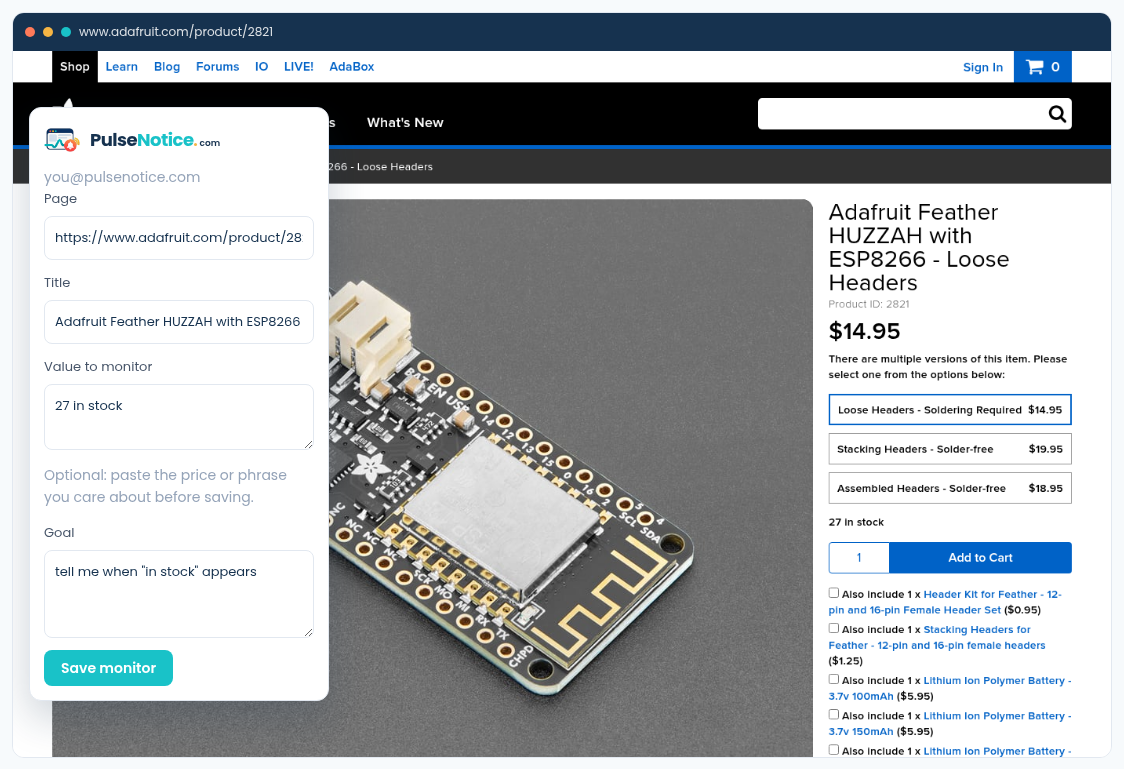
 1. Capture
Selecting in-stock language with the PulseNotice extension
How-to · Restock
Inventory pages love to shuffle recommendations around the buy box. You care about one phrase: in stock, or the moment sold out goes away. PulseNotice extracts that fact and emails you once when it is newly true.
Sample goal: tell me when "in stock" appears
Sample selected text: Sold out
1. CaptureSelecting in-stock language with the PulseNotice extension
The public product page, not an account-only waitlist.
Use a goal like tell me when “in stock” appears, or when “sold out” disappears.
Sold out, currently unavailable, or the buy-box label — whatever the page actually prints.
While the item stays in stock, duplicate alerts are suppressed. You are not paged every hour.